How to Install the ProDiag Application

كيفية تثبيت تطبيق ProDiag

بعد تنزيل تطبيق ProDiag من الموقع الرسمي https://pro-diag.org/، تكون الخطوة التالية هي تثبيته على جهازك المحمول. العملية بسيطة، لكنها تتطلب بعض الخطوات الأساسية لضمان عمل التطبيق بشكل صحيح. 1. العثور على الملف الذي تم تنزيله بعد اكتمال التنزيل، افتح مجلد “Downloads” على جهازك…
How to Download the ProDiag Application

كيفية تنزيل تطبيق ProDiag

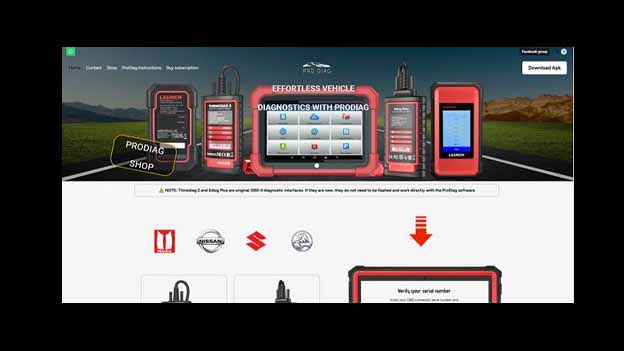
ProDiag هو تطبيق تشخيص احترافي مصمم للمستخدمين الذين يحتاجون إلى تشخيصات مركبات متقدمة ودقيقة. يتيح التطبيق قراءة رموز الأعطال، عرض القيم في الوقت الحقيقي، تنفيذ وظائف الصيانة، البرمجة، والعديد من العمليات المتقدمة الأخرى — وكل ذلك مباشرة من جهاز محمول. 1. الوصول إلى الموقع الرسمي لتنزيل النسخة الأصلية والأحدث…

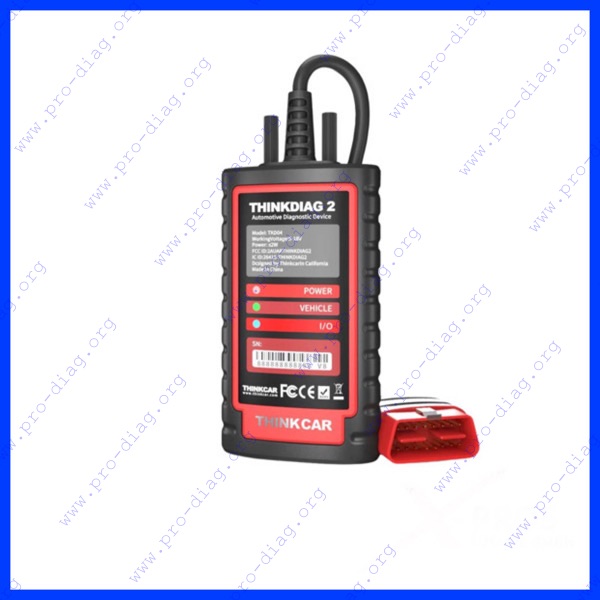
Thinkdiag 2 – Comprehensive Car and Truck Diagnostics for Auto Mechanics and Auto Services

Thinkdiag 2 – تشخيص شامل للسيارات والشاحنات لميكانيكيي السيارات ومراكز الصيانة

Thinkdiag 2 هو أداة تشخيص متقدمة مصممة لتشخيص السيارات والشاحنات بسرعة ودقة واحترافية. وهو مثالي للميكانيكيين وورش الصيانة، حيث يوفر وصولاً كاملاً إلى بيانات المركبة ورموز الأعطال وقراءات الحساسات ووظائف النظام المتقدمة. يعمل Thinkdiag 2 عبر اتصال Bluetooth ويتصل بسهولة بالهواتف الذكية أو …

COMPLETE GUIDE TO FLASHING THE THINKDIAG 2 ADAPTER TO ProDiag

الدليل الكامل لعمل فلاش لمحول Thinkdiag 2 إلى ProDiag

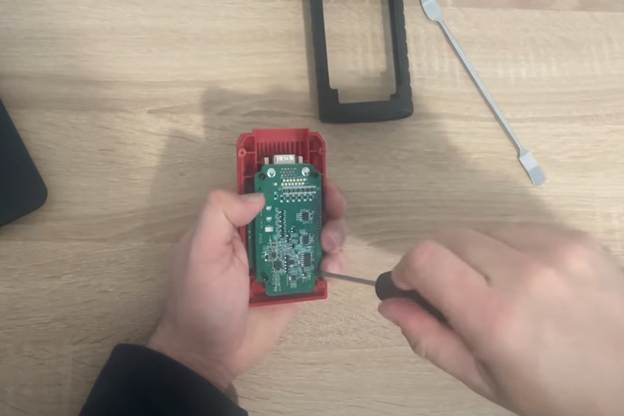
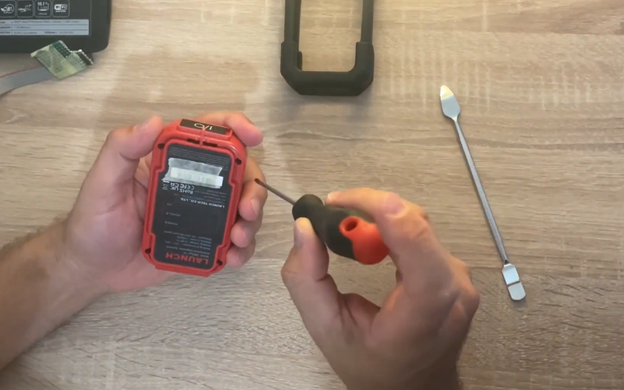
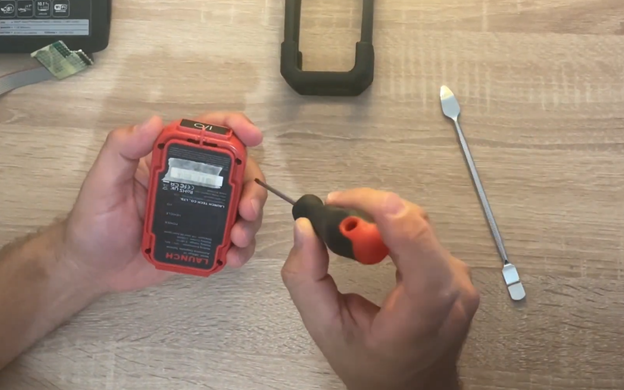
ThinkDiag 2 هو محول OBD متقدم. للإصدارات المتقدمة من البرنامج الثابت أو لاستعادة جهاز “متعطل”، يجب إجراء عملية فلاش فعلية باستخدام مبرمج (ST-LINK V2 أو J-Link). يغطي هذا الدليل العملية الكاملة — من فتح الغلاف، توصيل المبرمج، تحميل البرنامج الثابت، إلى التحقق من عمل الجهاز. ملاحظة: ملفات الفلاش المطلوبة لجهازك …

COMPLETE GUIDE TO FLASHING THE MUCAR ADAPTER TO ProDiag

الدليل الكامل لعمل فلاش لمحول MUCAR إلى ProDiag

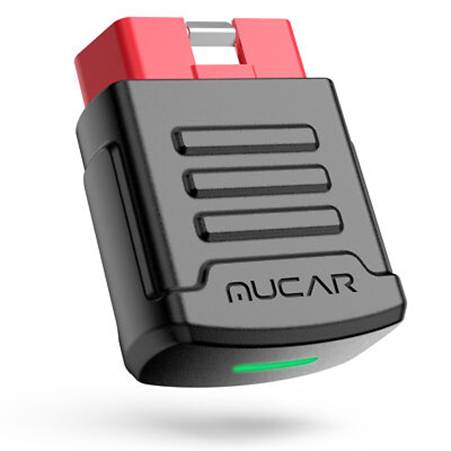
محول MuCar هو جهاز OBD يُستخدم للتشخيص الاحترافي. يتم إجراء الفلاش لترقية البرنامج الثابت، إصلاح مشكلات التشغيل، أو نقل المحول إلى منصات مثل ProDiag. بالنسبة لإصدارات البرنامج الثابت المتقدمة، قد يكون من الضروري توصيل الجهاز فعليًا بمبرمج (ST-LINK V2 أو J-Link). ملاحظة: يمكن شراء ملفات الفلاش المطلوبة لجهازك …

COMPLETE GUIDE TO FLASHING THE EDIAG PLUS ADAPTER TO ProDiag

الدليل الكامل لعمل فلاش لمحول EDIAG PLUS إلى ProDiag

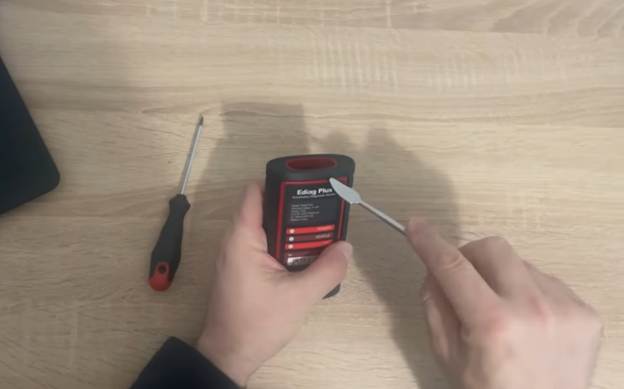
Ediag Plus is an advanced OBD adapter. For advanced firmware versions or recovering a “stuck” device, it must be physically flashed via a programmer (ST-LINK V2 or J-Link). This guide covers the entire process—from opening the housing, connecting the programmer, flashing the firmware, to verifying the device functionality. Note: Flashing files required for your device…

COMPLETE GUIDE TO FLASHING THE DBSCAR 7 ADAPTER TO ProDiag

الدليل الكامل لعمل فلاش لمحول DBSCAR 7 إلى ProDiag

Flashing the DBScar 7 adapter is not just a simple “click” on a phone. With this model, the device must be physically opened, connected to a programmer, and the firmware uploaded via a computer. This is why careful handling is essential—any mistake in the process can permanently damage the adapter. Note: Flashing files required for…

COMPLETE GUIDE TO FLASHING THE DBSCAR 5 ADAPTER TO ProDiag

الدليل الكامل لبرمجة محول DBSCAR 5 لاستخدامه مع ProDiag

Unlike the DBScar 7, the DBScar 5 can usually be flashed directly through a phone application. However, for advanced firmware versions or certain repairs, physical connection to a programmer may be required. This guide covers the full procedure—from opening the housing, connecting to a programmer, to final flashing and verifying functionality. Note: Flashing files required…

ProDiag – ملف تيك توك

ProDiag is known for its innovation in vehicle diagnostics, and now it is taking the next step – launching its official TikTok profile: @prodiag.org This new platform serves as a central hub for video content dedicated to users, professionals, and automotive diagnostic enthusiasts. What Can You Expect on ProDiag TikTok? The goal of the ProDiag…

Ediag Plus – تشخيص متقدم للسيارات والشاحنات مخصص للميكانيكيين وورش السيارات

Ediag Plus is a professional diagnostic tool designed for fast, reliable, and comprehensive car diagnostics and truck diagnostics. It is an essential device for auto mechanics and auto services, providing in-depth access to vehicle systems, real-time data, error codes, and advanced maintenance functions. The device connects via Bluetooth to smartphones or tablets and works seamlessly…

End of content

End of content